
FOR VIDEOGRAPHERS · WEDDING & EVENT VIDEO EDITING

HOOTIO VIDEOBOT

Your AI wedding video editor.

Hootio VideoBot is AI wedding video editing software for professional videographers. Turn your recorded ceremony, speeches and reception footage into chapters, highlight stories and first-pass long-form edits. Camera and audio sync keep the project together, with editable timelines for Adobe Premiere Pro and DaVinci Resolve.

Start with 5 free advanced projects. View plans and pricing

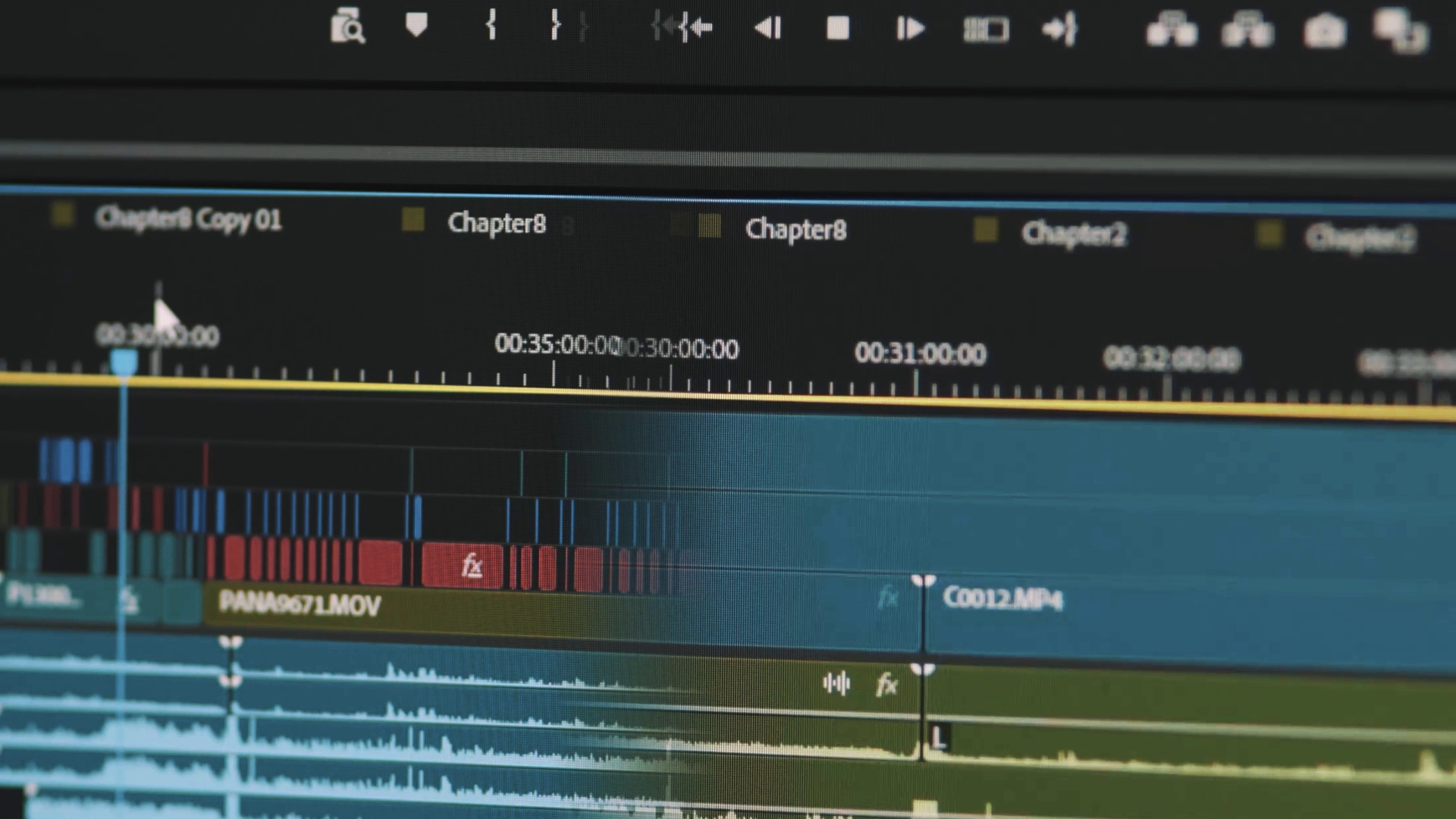
A close-up of an edited wedding video timeline ready to review

SEE THE REAL WORKFLOW

See what VideoBot can do before you install it.

Watch a real multicamera wedding project move through the complete one-click workflow and see how much of the first edit VideoBot handles for you.

TWO WORKFLOWS · ONE FASTER EDIT

Clear chapters and events. Highlight stories and long films ready to shape.

DOCUMENTARY WEDDING & EVENT FILMS

Let VideoBot build the first edit of your long-form film.

VideoBot divides the day into chapters, classifies the events and automatically edits full ceremonies, speeches and long wedding or event films, with every camera and audio source in sync.

Review an already edited chapter instead of starting with an empty timeline.
HIGHLIGHT FILMS

Start with a Highlight Story designed around meaningful moments.

VideoBot brings meaningful spoken moments and matching footage into a story plan for your highlight film. Review the vows, speeches and other moments, then shape the story your way.

A considered starting point, with the final story still yours.

HOW VIDEOBOT WORKS

One start action. The entire first-edit workflow.

  1. 01

    Choose the project and press Start

    That is the only start action. VideoBot carries the project through every stage that follows.

  2. 02

    Create lightweight proxy video

    Lighter working versions make a large project faster and smoother to review and edit.

  3. 03

    Synchronise every camera and recorder

    All viewpoints and separate audio are brought together automatically.

  4. 04

    Build chapters and classify events

    The day is divided into familiar sections and important events are made easy to find.

  5. 05

    Design the Highlight Story

    Meaningful spoken moments become a plan for your highlight film, exported as separate files: a PDF for review and editable timelines for Adobe Premiere Pro and DaVinci Resolve.

  6. 06

    Automatically edit the long-form video

    VideoBot builds the first pass for full ceremonies, speeches and long films, making camera choices throughout so you have something real to review.

  7. 07

    Open your editable timelines

    Continue in Adobe Premiere Pro or DaVinci Resolve with full control of story, pacing, music, sound and colour.

BUILT FOR REAL MULTICAMERA WORKFLOWS

The repetitive work handled. The creative decisions left to you.

Automatic Chapters

Turn a full day into clear sections such as ceremony, speeches and reception.

Event Classification

Recognise and label the important parts of the day so they are easy to find.

Highlight Story Design

Bring meaningful moments into a story plan for your highlight film, exported as a PDF and editable timeline files.

Automatic Long-Form Editing

Turn full ceremonies, speeches and long wedding or event films into first-pass edits with intelligent camera choices throughout.

Editable Timelines

Generate editable timelines, then open them in Adobe Premiere Pro or DaVinci Resolve and adjust every creative choice.

One-Click Smart Sync

Bring every camera and separate audio recorder together without building the project by hand.

Unusable Footage Cleanup

Keep shaky or unsuitable footage out of the first pass, so review starts from a cleaner place.

Lightweight Proxy Video

Create lighter versions of the footage so reviewing and editing feels faster and smoother.

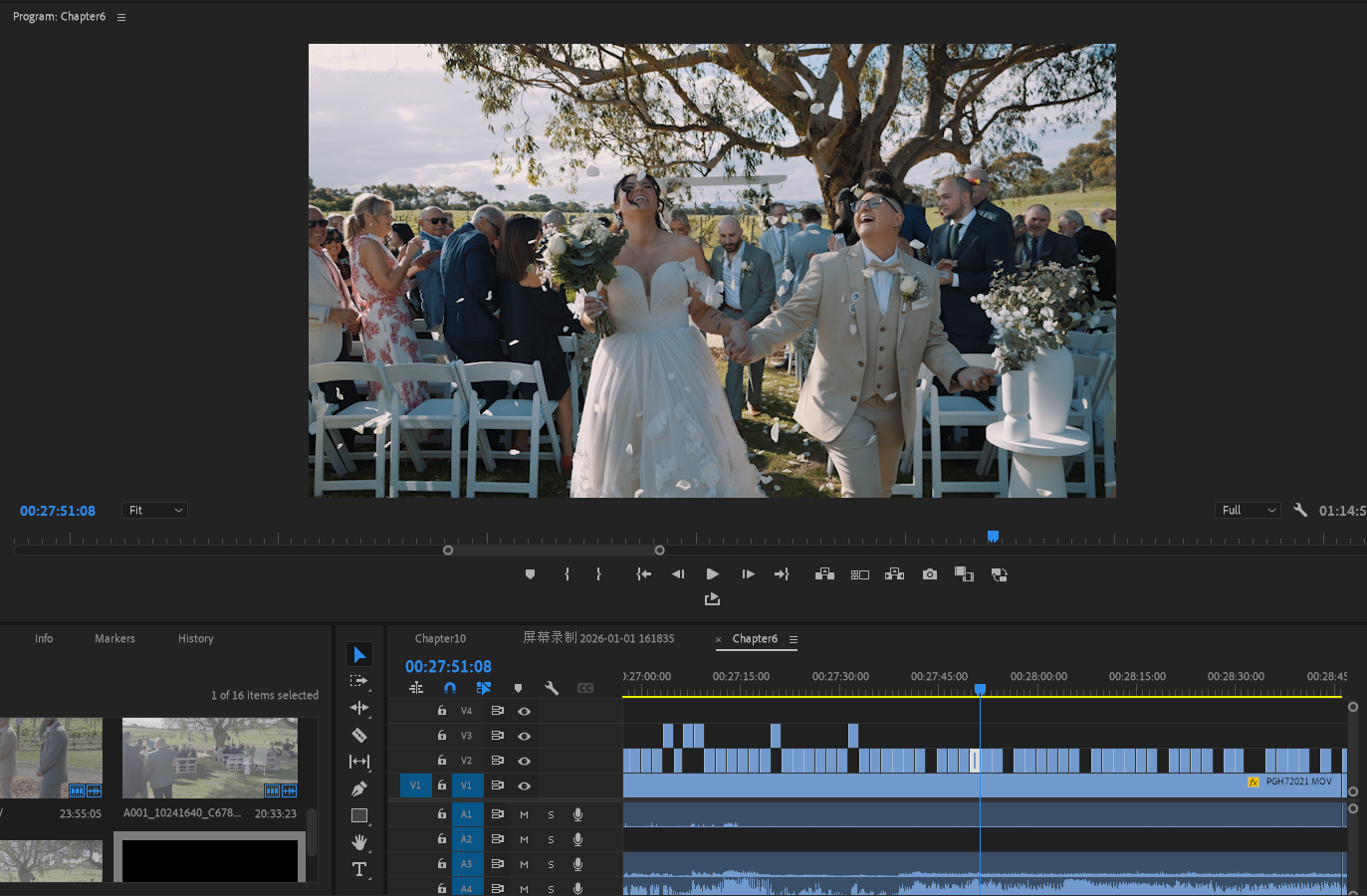
A wedding multicamera edit open in Adobe Premiere Pro

KEEP YOUR EDITING SOFTWARE

Prepared timelines, with every choice still yours.

Open your editable timelines in Adobe Premiere Pro or DaVinci Resolve. Change any cut, then take charge of story, music, pacing, colour, sound and the final delivery.

  • Windows 64-bit
  • macOS Apple Silicon
  • macOS Intel
  • Local, external & NAS storage
Find your VideoBot plan

BEFORE YOUR FIRST EDIT

AI wedding video editing questions.

How does AI wedding video editing work?

VideoBot prepares your recorded wedding footage, synchronises cameras and audio, builds chapters and classifies events. It creates first-pass multicamera edits and plans highlight stories so you can review the result and make the creative decisions.

Can I create an AI wedding highlight video?

VideoBot designs a Highlight Story around vows, speeches and meaningful moments from the wedding. Review the story plan and editable timelines, then finish the wedding highlight film with your chosen music, pacing, colour and sound.

Can it automatically edit wedding ceremonies and speeches?

Automatic long-form editing prepares multicamera first edits of full ceremonies, speeches and other wedding events. Review the camera choices and cuts before finishing the film for your client.

Can I continue editing in Premiere Pro or DaVinci Resolve?

Export an editable timeline from VideoBot and continue working in Adobe Premiere Pro or DaVinci Resolve. You keep control of the story, individual cuts, music, sound, colour and final delivery.

Is the AI wedding video editor available for Mac and Windows?

Hootio VideoBot is available for Windows 64-bit, Apple Silicon Macs and Intel Macs. Visit Downloads for the current beta installers, then follow the VideoBot guide to prepare your first project.

See the AI wedding video editing workflow, follow the VideoBot user guide, or download VideoBot to prepare your first project.