SMART IMPORT + PHOTOBOT

Every card in.
Photos ready to edit.
More time to create.

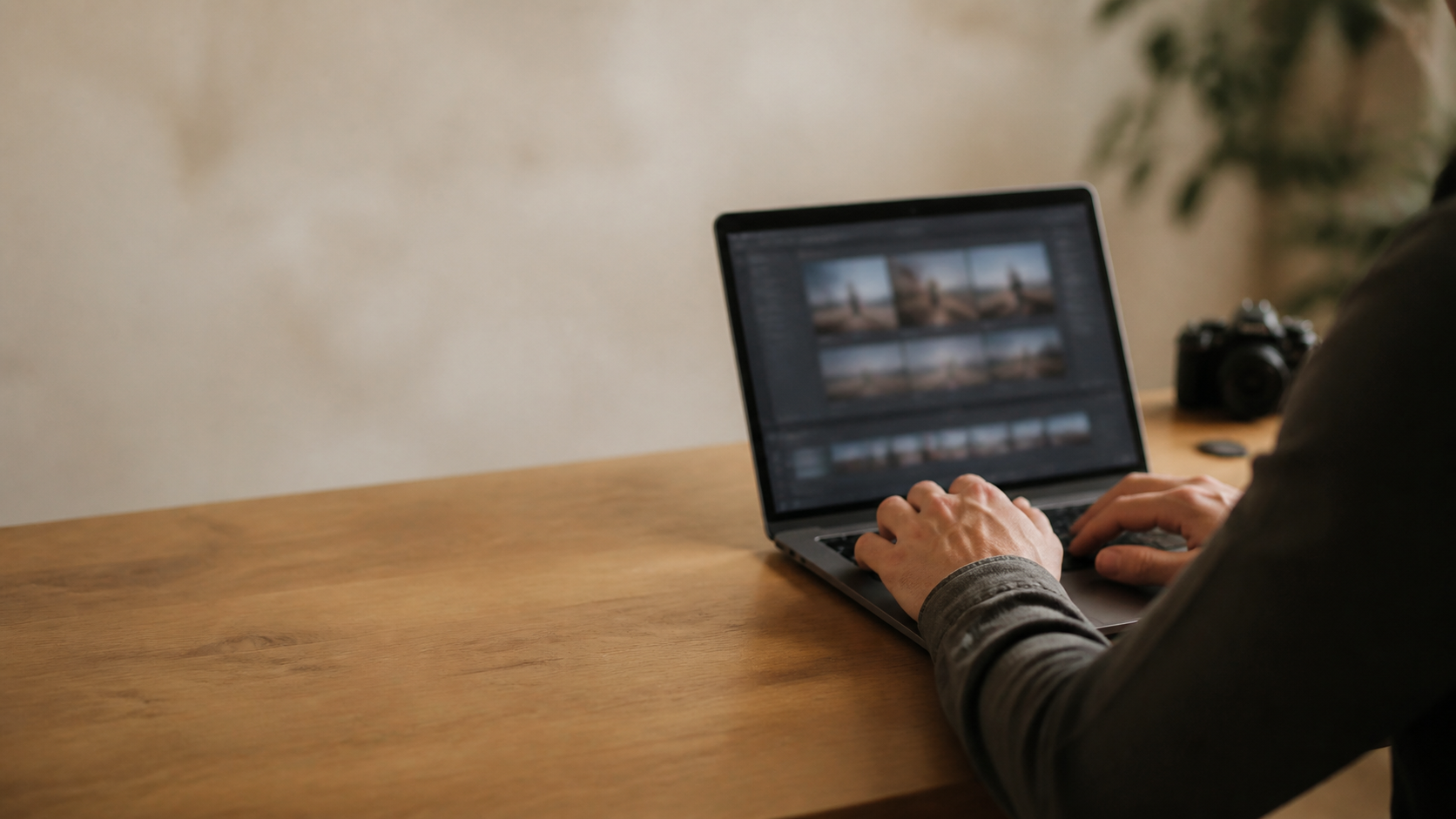
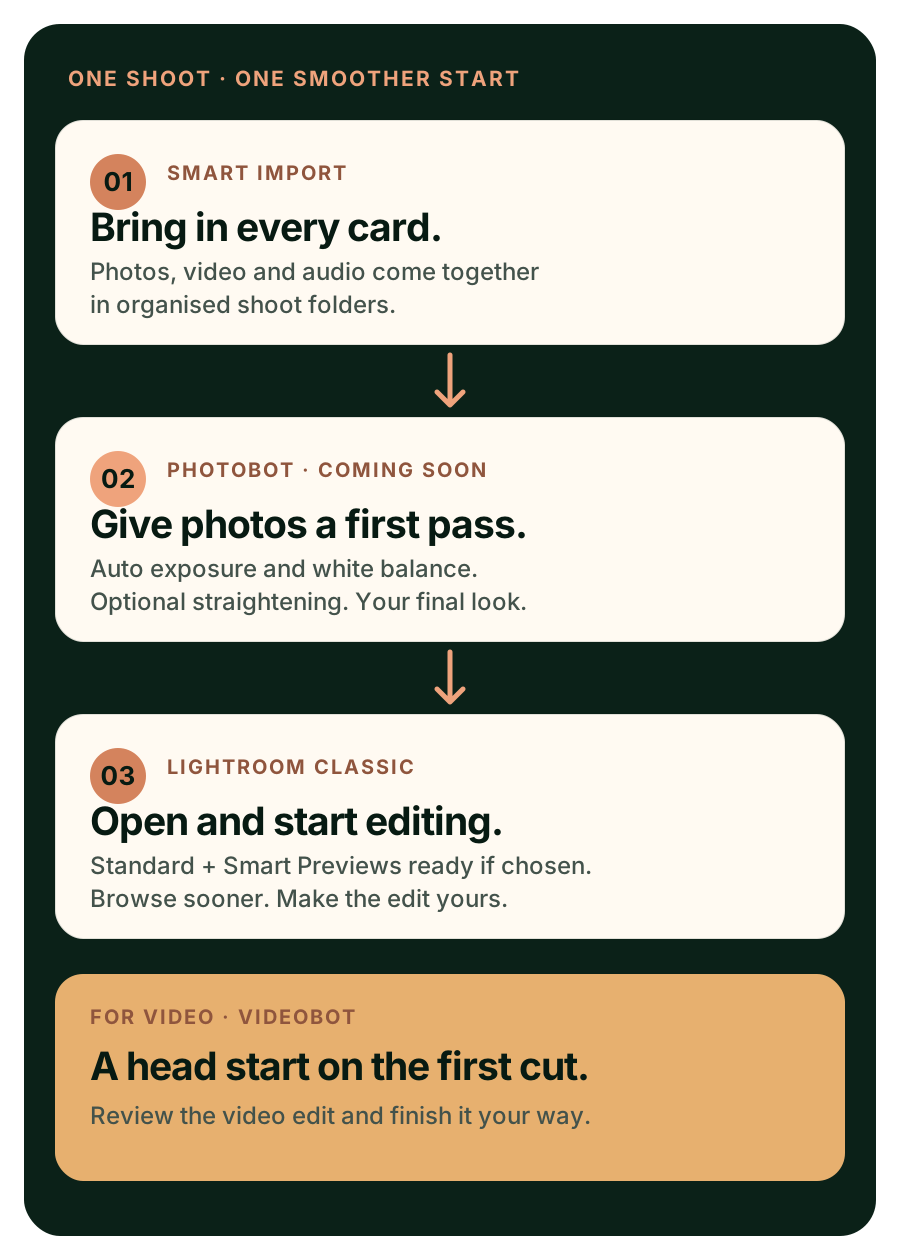
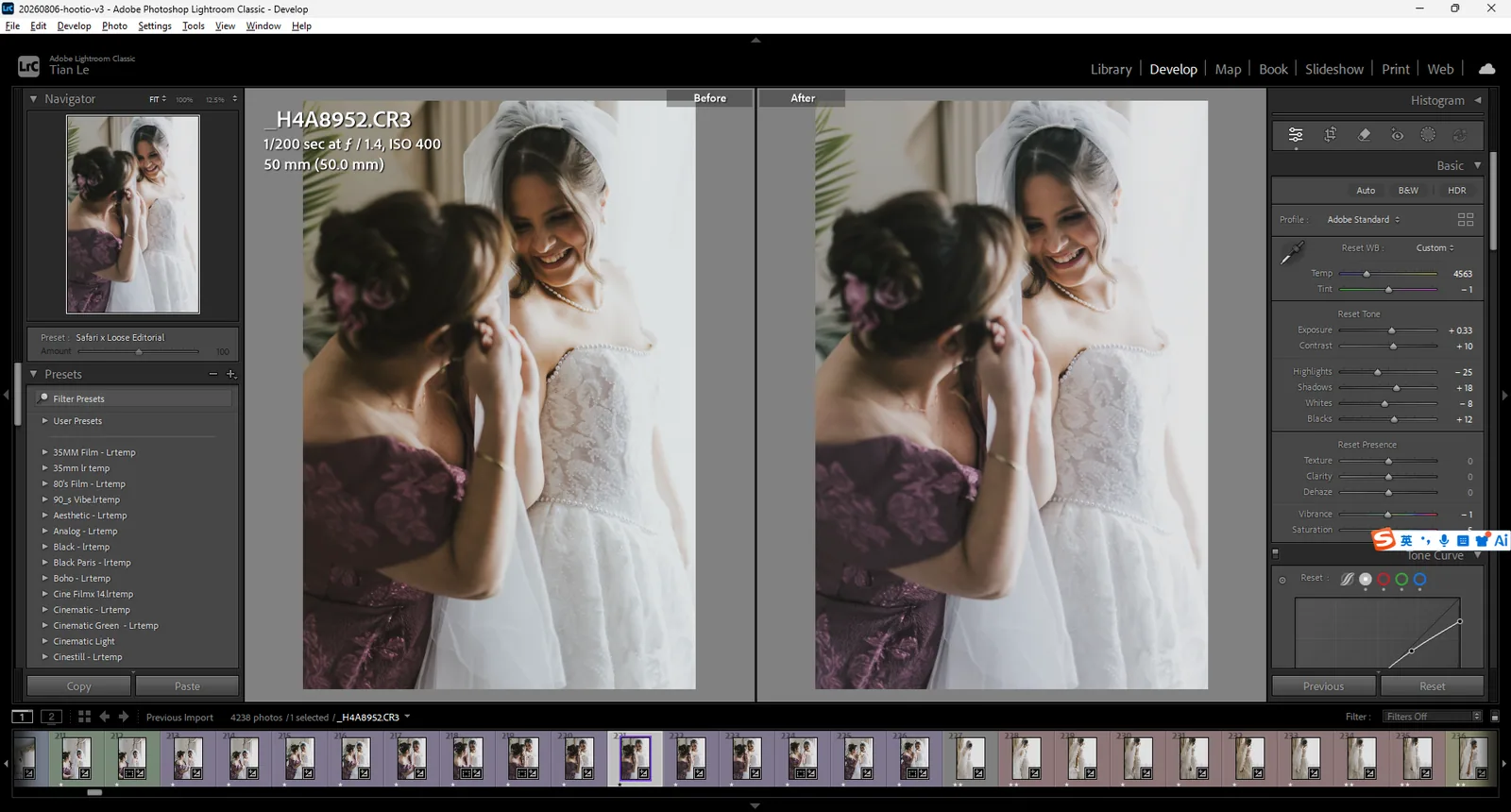
From a stack of cards to a Lightroom catalog ready for your edit. Smart Import copies and checks the media from every selected card. Choose PhotoBot to prepare the Lightroom catalog, adjust exposure and white balance, and build Standard and Smart Previews before you open it.

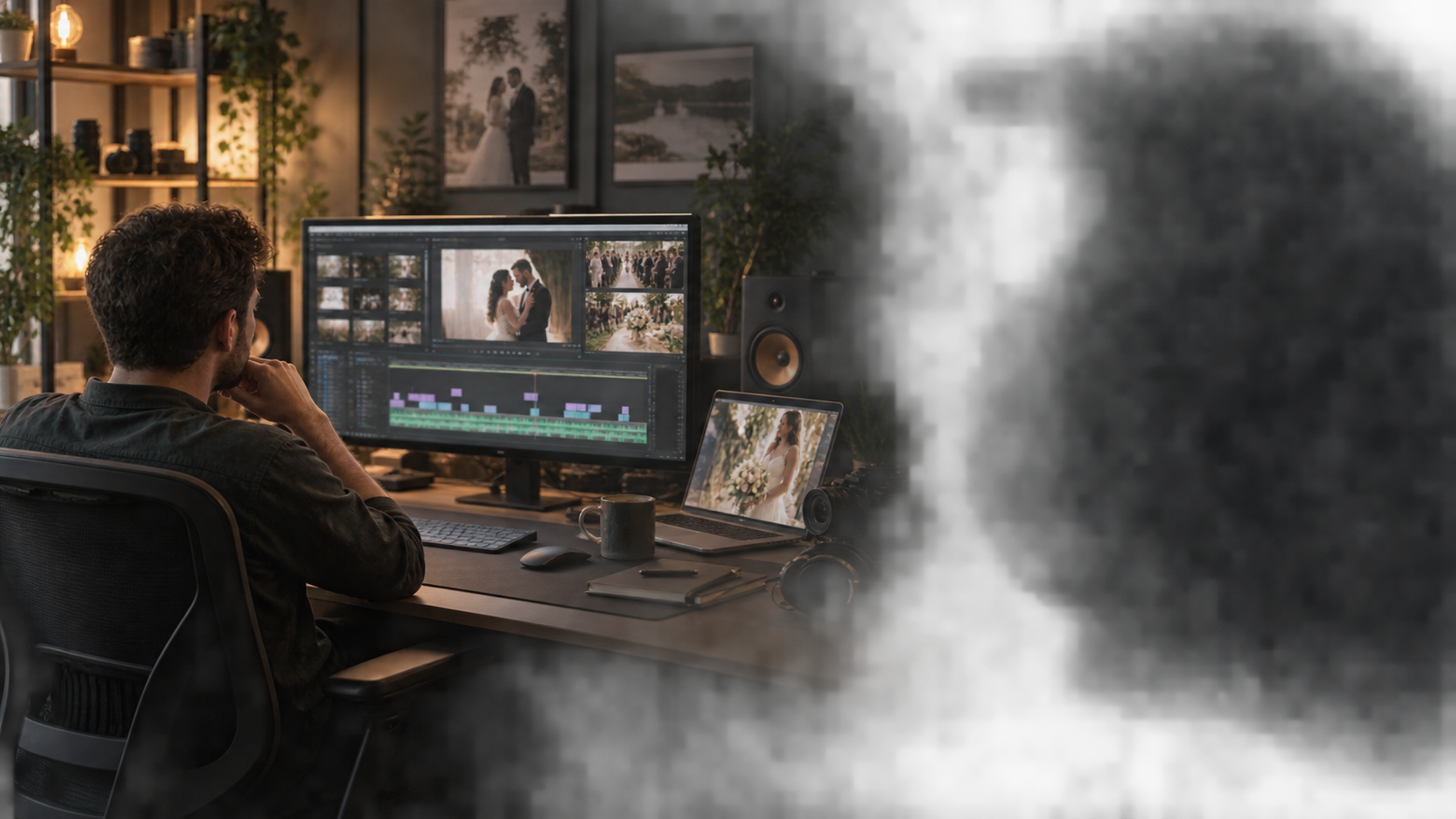
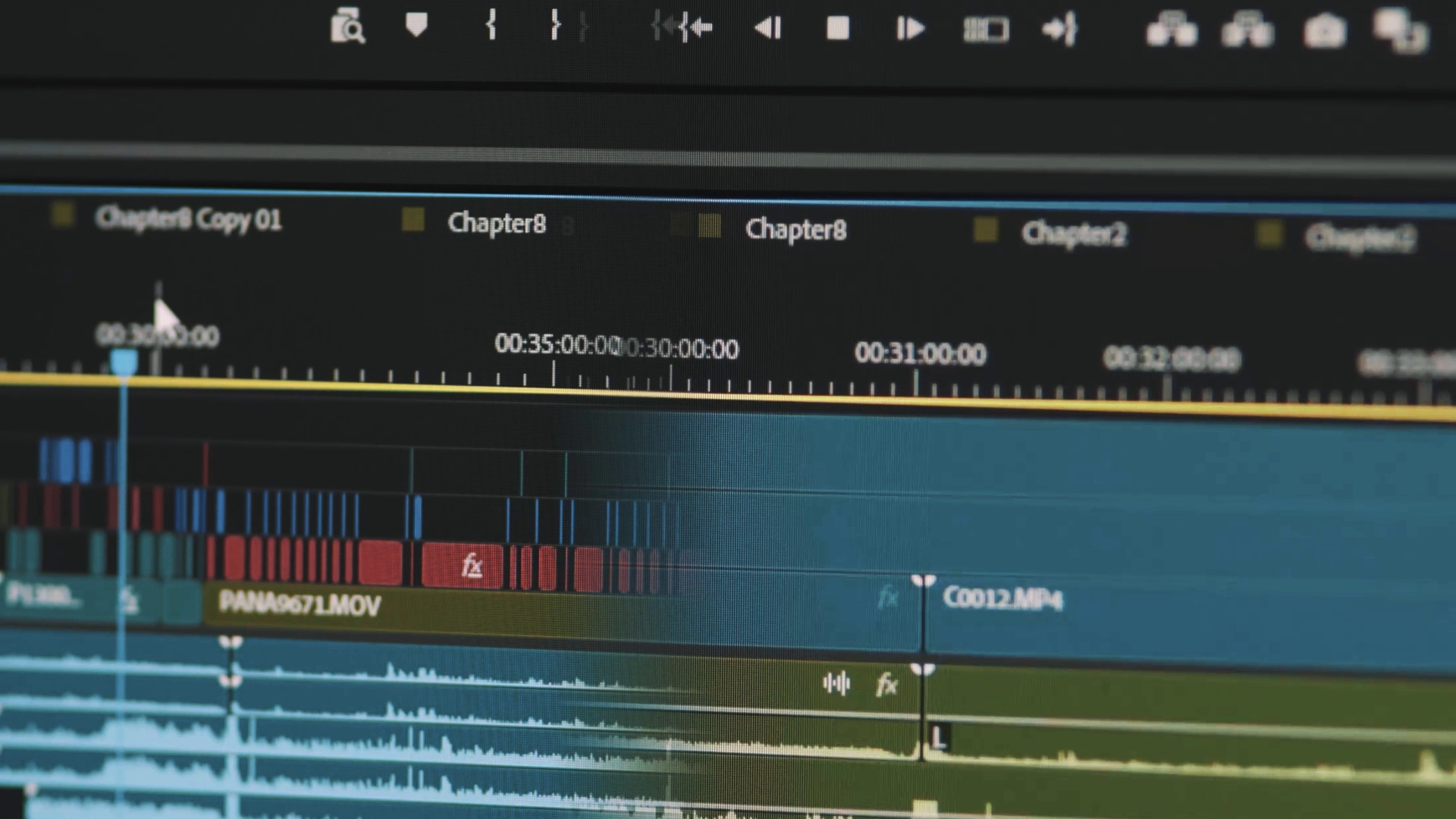
Video gets a head start, too. VideoBot can turn wedding and event footage into a first edit you can review and make your own.

Smart Import, PhotoBot and VideoBot are available now.

Built for real projects You keep creative control
Workflow slideshow controls
Smart Import brings in cards from the shoot. PhotoBot can prepare the photos for Lightroom, and VideoBot can give the video edit a head start.
View full-size workflow

WEDDING PHOTOGRAPHY WORKFLOW

Plug in every card. Start once. Wake up ready to edit.

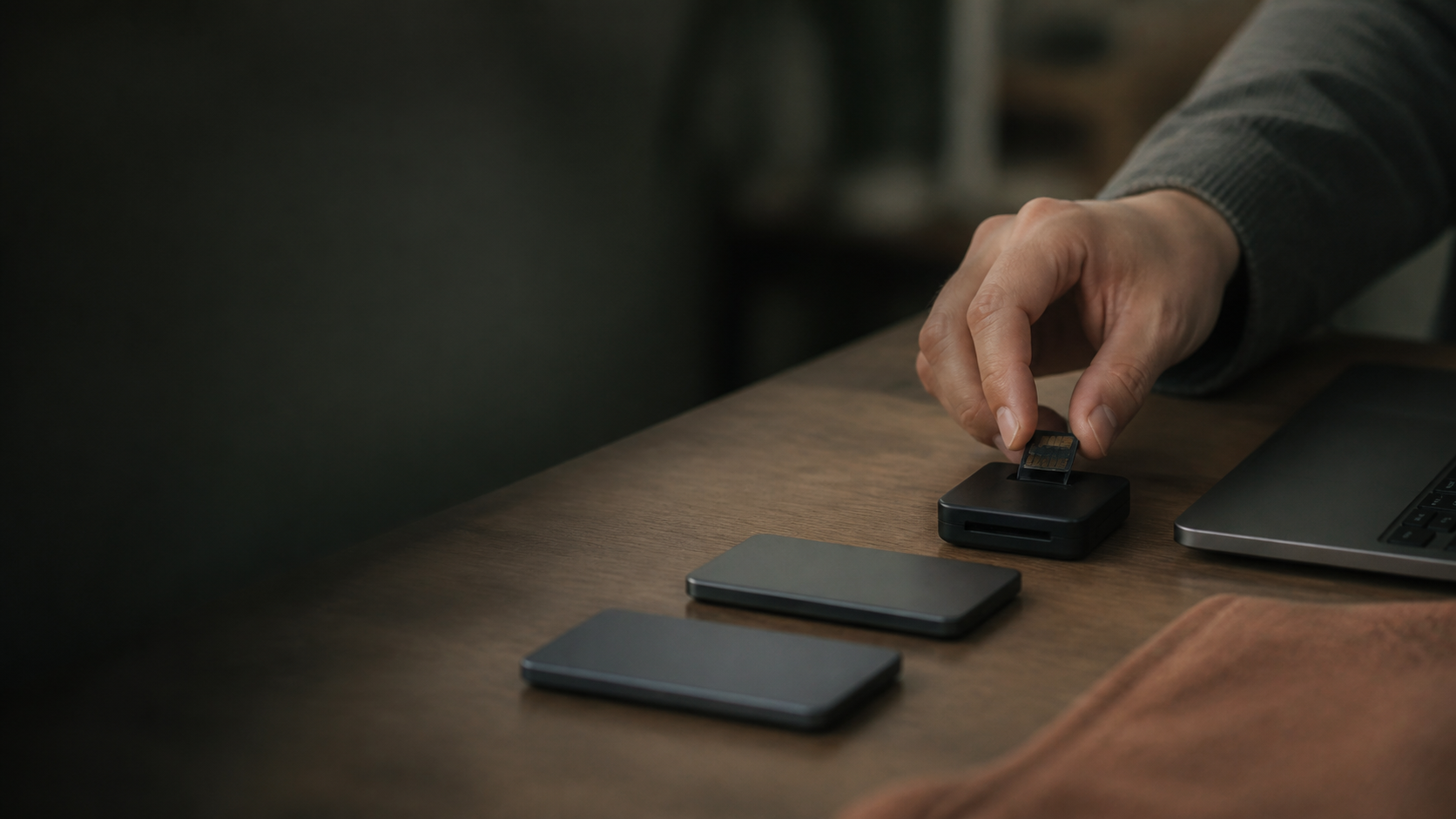
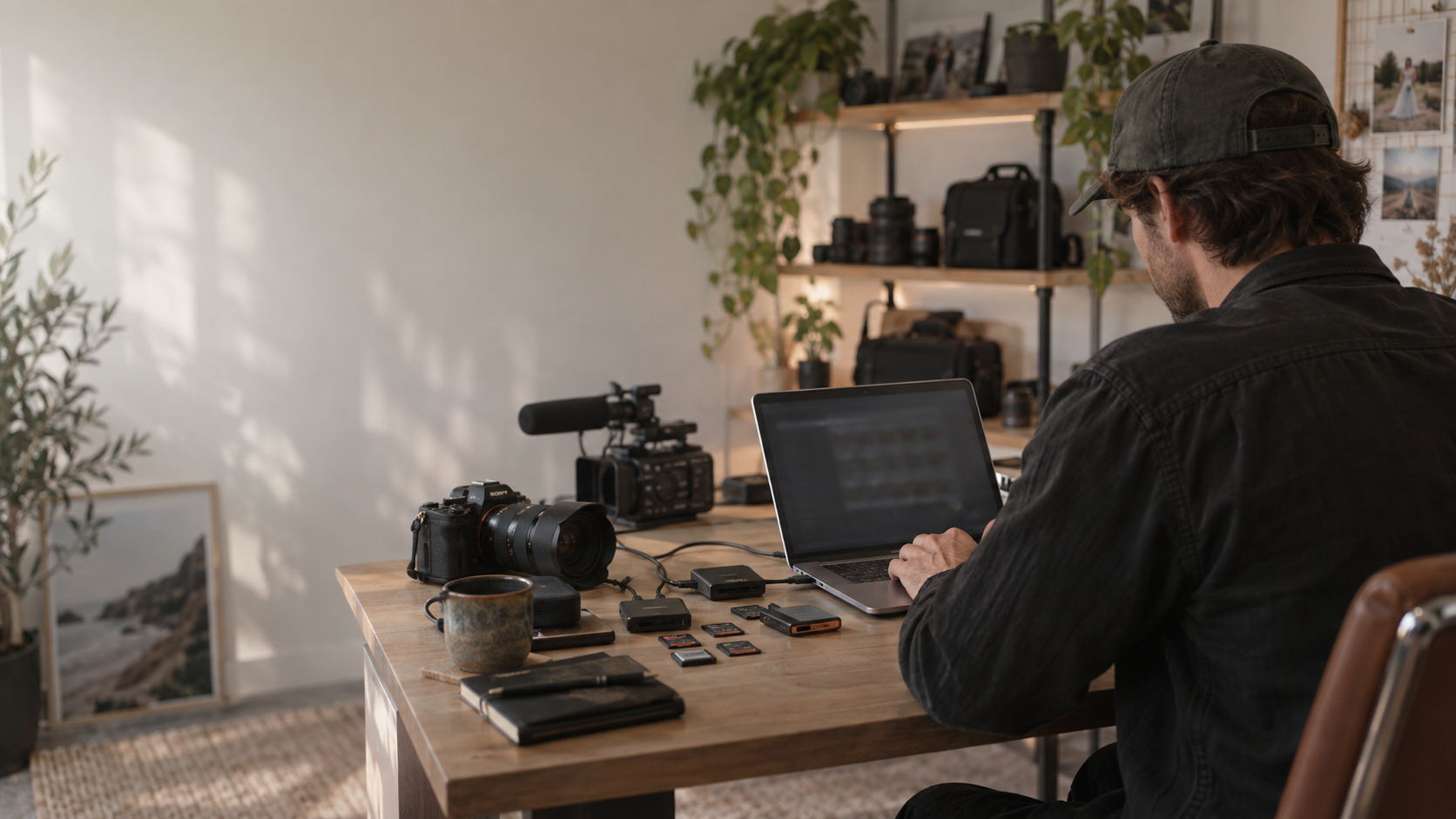
You have just finished a full wedding day with several cameras and a stack of cards. Instead of opening every card, finding its folders, opening the right destination and dragging files across one card at a time, connect all your card readers to the computer and open Smart Import.

One click takes the night shift.

Smart Import copies and checks the whole shoot. Choose PhotoBot to prepare a Lightroom catalog and automatically adjust exposure and white balance. Video footage can continue into VideoBot.

SATURDAY NIGHT

You sleep. Hootio keeps going.

One overnight run
  1. 10:42 PM

    Every card goes in together

    Connect the card readers, choose where the shoot should live and press Start once.

  2. 10:43 PM

    The complete shoot comes home

    Photos, RAW files, video and audio are copied, organised and checked—without babysitting each card.

  3. CATALOG

    Photos ready for Lightroom

    PhotoBot brings the photos into a Lightroom Classic catalog, ready for the next step.

  4. PRESET

    Give the photos a first look

    Use your chosen preset. PhotoBot can automatically adjust exposure and white balance.

  5. PREVIEWS

    Get ready to review

    If selected, PhotoBot builds Standard and Smart Previews before you open Lightroom. Browse smoothly and spend less time waiting as you edit.

  6. VIDEO NEXT

    The video work gets a head start

    Hootio can prepare smooth editing copies, line up every camera, shape a first Highlight Story and build a first cut of the long video.

  7. 7:18 AM

    Wake up to work already done

    Open your Lightroom catalog with both preview types ready if selected, plus a first video edit if enabled. Review, refine and make the creative choices your own.

THE PAYOFF

Less file handling. More time for the work people hired you to create.

Get Hootio

THREE PRODUCTS · ONE WORKFLOW

The right help for photos, video or both.

Smart Import brings the shoot together. PhotoBot prepares your photos for Lightroom. VideoBot gives your video edit a head start. Choose what your shoot needs.

EVERY FILE FROM EVERY CARD

Hootio Smart Import

Connect several cards and start once. Smart Import copies photos, video, audio and related files into one organised shoot, then checks what arrived. Choose PhotoBot or VideoBot to keep the photo or video work moving automatically.

  • Several cards, one start
  • No media left behind
  • PhotoBot starts next
  • VideoBot starts next
Explore Smart Import

AUTOMATIC PHOTO ADJUSTMENTS

Hootio PhotoBot

Let PhotoBot take care of the first pass. It automatically adjusts exposure and white balance, giving you a more even starting point when you open Lightroom Classic.

  • Automatic exposure
  • Automatic white balance
  • Optional straightening
  • Your creative finish
Explore PhotoBot

AI WEDDING VIDEO EDITING

Hootio VideoBot

Let VideoBot divide the wedding day into chapters, classify key events, intelligently choose the primary camera angle for each event type, design your Highlight Story and automatically edit your long-form videos. One click handles the full workflow and can generate editable timelines for Adobe Premiere Pro and DaVinci Resolve.

  • Automatic chapters
  • Event classification
  • Highlight Story design
  • Long-form auto editing
Explore AI wedding video editing

PHOTOS & VIDEO · CONTINUE AFTER IMPORT

One start action can carry the job forward.

After Smart Import gathers your cards, PhotoBot can prepare the photos for Lightroom and VideoBot can make a first video edit. You make the final creative decisions.

01

Connect every card

Start once and Smart Import finds the complete shoot, copies it safely to your hard drive and organises it for you.

02

Open photos ready to edit

Choose PhotoBot to prepare the Lightroom catalog and automatically adjust exposure and white balance before you begin your edit.

03

Open a real head start

VideoBot builds chapters, classifies events, designs the Highlight Story and automatically edits long-form videos, with editable timelines for Premiere Pro and DaVinci Resolve.

Built by a wedding photographer and videographer who got tired of losing nights to repetitive work.

BUILT FROM REAL INDUSTRY EXPERIENCE

It’s not just software. It’s personal.

Hootio was created by Brendan, an Australian wedding photographer, videographer and editor with more than 12 years in the industry.

The goal is simple: give working creatives back the hours spent on sorting, checking and first-pass technical decisions—without replacing the judgement that makes the work theirs.

Read the Hootio story

READY WHEN THE NEXT CARD IS

From the next card to the first edit, let Hootio carry the repeatable work.

View downloads